Reports
Even the most complex reports, without stitching Excel files
A complex report engine: master-detail cell expansion, formulas, conditional styling, chart mixing, scheduled delivery, and data entry — exportable to PDF, Excel, and HTML.

Product Screenshots
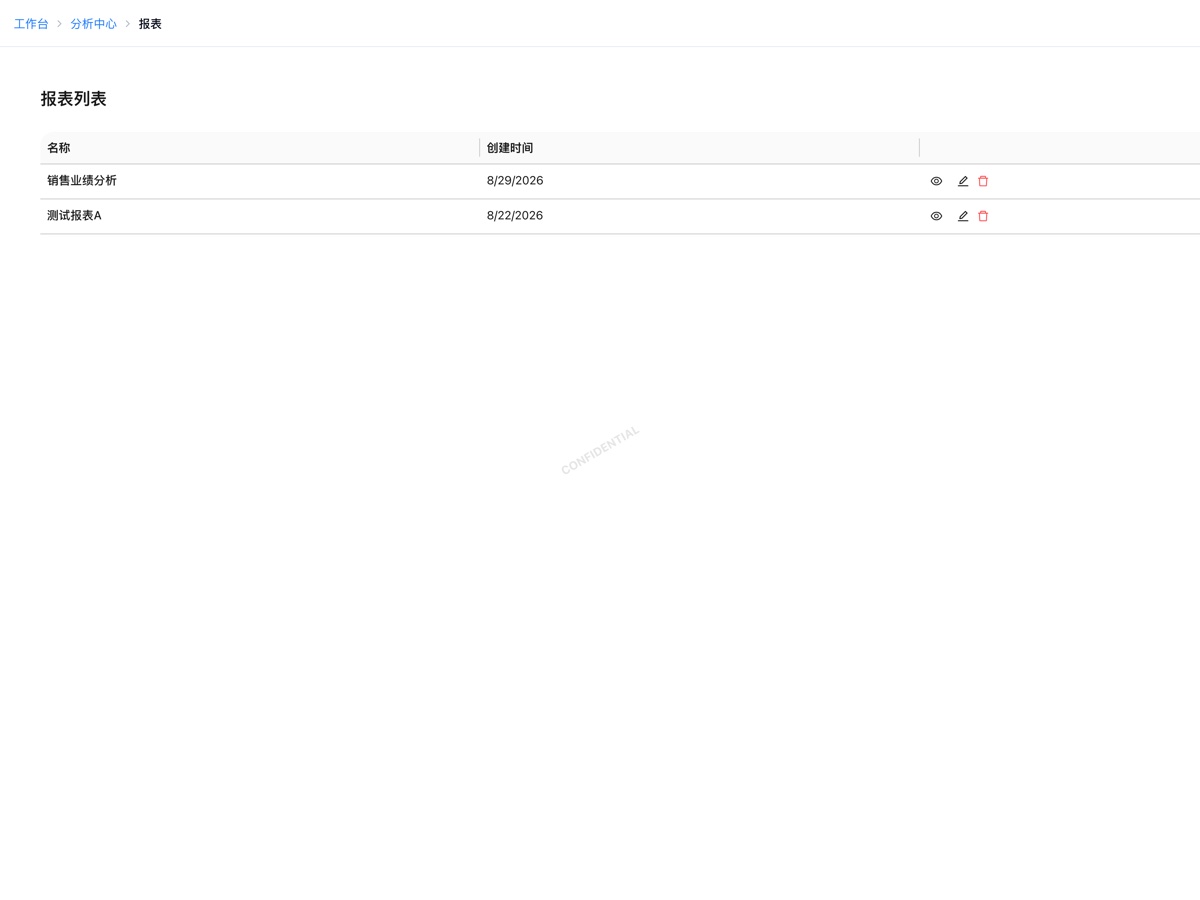

It solves these problems
Features
- Master-detail report designer
- Formulas & aggregation
- Conditional styling
- Chart + table mixing
- Scheduled generation & delivery
- Online data entry & auto rollup
- PDF / Excel / HTML export
- Row & column-level permissions
Frequently Asked Questions
What is the difference between Reports and BI?
Reports deliver precise, fixed-format output — contract ledgers, payment details, performance tables — where rows and columns are exact. BI delivers self-serve exploration: drag to slice data, drill down to find the cause. Both share the same data source.
Can reports be exported?
Yes — PDF, Excel, and HTML. Print layout is WYSIWYG.
When would I use data entry?
Typical scenario: regional teams submit sales forecasts and expense budgets monthly. A report is dispatched as a fill-in form, and submissions roll up automatically — no more collecting and merging Excel files.
Apply for a 30-day free trial
Standard edition, shared demo environment. No credit card required.